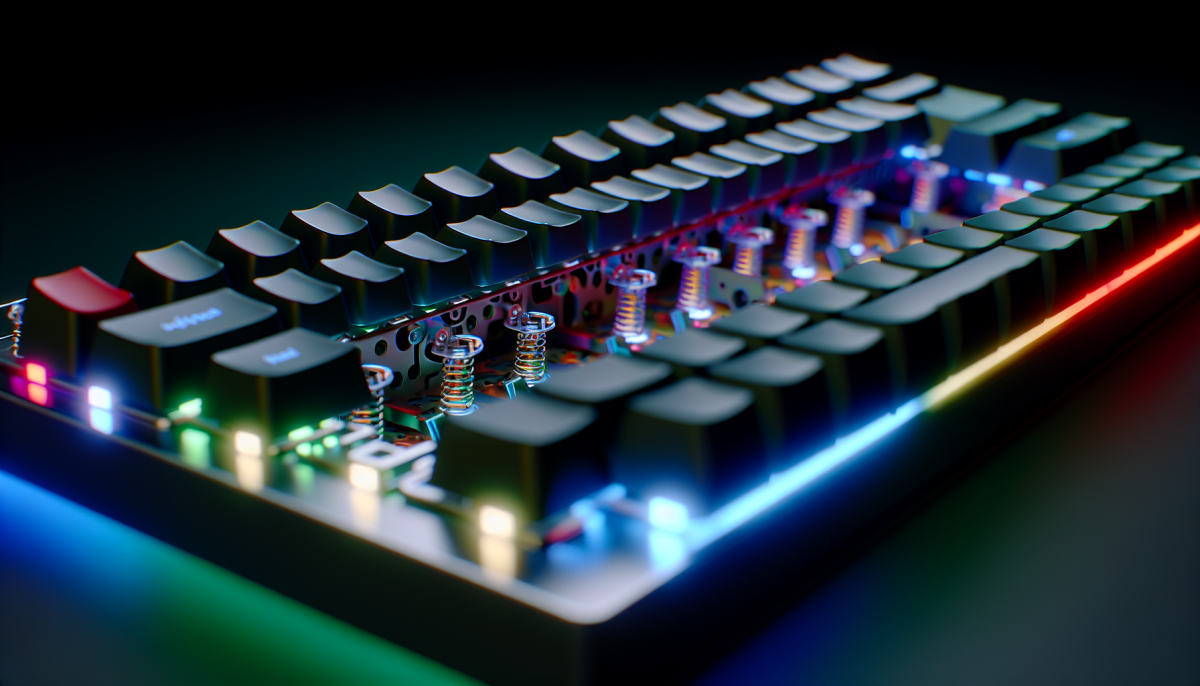
Keeping your mechanical keyboard clean doesn’t have to be a hassle. Just follow these easy steps and your keyboard will stay looking fresh and working great!
First, start by unplugging your keyboard. This ensures you won’t accidentally press any keys while cleaning. If you have a wireless keyboard, just remove the batteries. Grab a soft brush or can of compressed air. Use this to gently remove dust and crumbs from between the keys. It’s like giving your keyboard a mini spa day!
Next, dampen a microfiber cloth with a little bit of rubbing alcohol or a light cleaner. Make sure the cloth isn’t dripping wet. You don’t want any liquid seeping into the keyboard. Wipe down the key surfaces using gentle pressure. This helps remove smudges, fingerprints, and anything sticky. Give special attention to the areas around frequently used keys like the spacebar and enter key.
If your keyboard has detachable keys, consider taking them off for a thorough clean. Use a keycap puller to pop them off easily. Clean the keycaps separately in warm, soapy water. Rinse them well and let them dry completely before putting them back on. It’s a bit of work, but the difference is worth it!
Lastly, every so often, wipe down the cable and any other surfaces of the keyboard that collect dust. An occasional deep clean keeps everything in tip-top shape. Trust me, a clean keyboard boosts your typing experience and can even extend its life!
Tools You Need for Cleaning
Keeping your mechanical keyboard clean is super important if you want it to last. To make the job easier, you need a few essential tools in your cleaning kit. Here’s what you should have on hand:
Having these tools makes cleaning your keyboard not just easier, but also really effective. You’ll be amazed at how much better it feels and looks after a good clean!
Tips for Preventing Dust Buildup
Keeping your mechanical keyboard clean is super important, and one of the best ways to do that is to prevent dust buildup in the first place. Here are some tips to help you keep your keyboard in top shape.
First things first, consider using a keyboard cover. These thin, silicone mats lay right over your keys and keep dust and crumbs from getting in. They’re easy to take off when you want to clean, too. Just remember to wash it regularly so it doesn’t get gunky!
Another helpful tip is to clean your workspace often. Dust can settle on your desk and then find its way into your keyboard. Wiping down your desk with a damp cloth can make a huge difference. Also, try to keep your drinks and snacks away from your keyboard to avoid spills and crumbs that attract dust.
Make it a habit to turn off and unplug your keyboard when you’re not using it. This simple step discourages dust from hanging around. Plus, it gives you a chance to do a quick clean without worrying about messing anything up while you're typing.
Lastly, get into the routine of giving your keyboard a good cleaning every month or so. Use a can of compressed air to blow out the dust from between the keys, and wipe the surface with a microfiber cloth. Keeping this schedule ensures your keyboard stays clean and functions like new for a long time!
How to Maintain Keyboard Longevity
Taking care of your mechanical keyboard can really help it last longer. Here are some easy tips to keep it in top shape.
First off, make cleaning a regular habit. Dust and crumbs can sneak between the keys, so give your keyboard a quick wipe-down every week. A microfiber cloth works well for this. Every month, take the time to remove the keycaps and clean underneath. You can use a small brush or compressed air to get rid of any gunk that builds up.
Watch out for spills! If you knock over a drink, turn the keyboard upside down right away to drain any liquid. Wipe the affected area with a damp cloth and allow it to dry completely before using it again. This can prevent sticky keys or damage to the internal components.
Another great tip is to keep your keyboard away from direct sunlight and extreme temperatures. Sunlight can fade the colors of your keycaps, and heat can cause parts to wear out quicker. Try to place it in a cool, dry spot to help maintain its appearance and performance.
Lastly, consider investing in a keyboard cover. This small investment can protect against dirt, spills, and wear. It’s like a little shield for your keyboard, keeping it clean and lasting longer. Just a few simple steps can really boost your keyboard's lifespan!